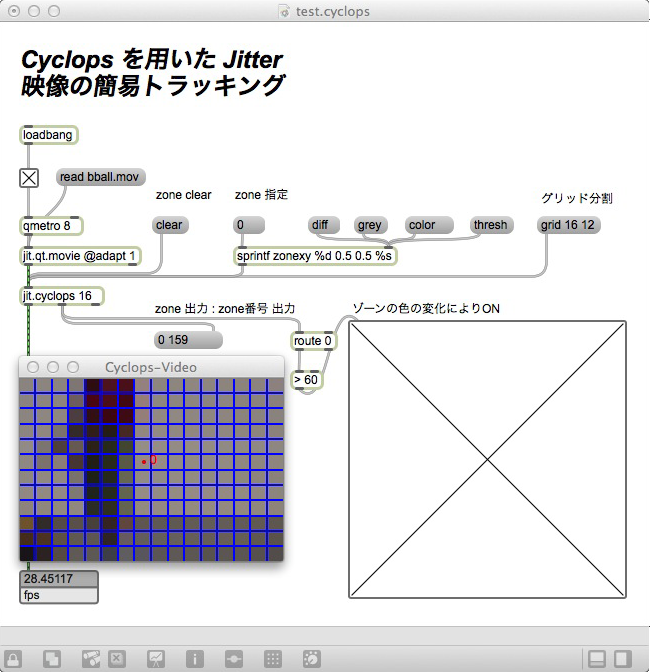
Jitter映像を用いたインタラクション・トラッキングに使えるCyclopsというライブラリのサンプルです。画像をグリッドに分割して、グリッドの中で色や明るさ等が変化した時にトリガーを取得できます。OpenCV等で出来るような検出などはできないですが、動画を使った簡易的なインタラクションを組むのに利用できます。
サンプル解説
- 画像をグリッドに分割
- ゾーンを配置(点0)
- ゾーンが含まれているグリッドの色・明るさ等が変化
- jit.cyclops 第二インレットから結果を出力
Jitter映像を用いたインタラクション・トラッキングに使えるCyclopsというライブラリのサンプルです。画像をグリッドに分割して、グリッドの中で色や明るさ等が変化した時にトリガーを取得できます。OpenCV等で出来るような検出などはできないですが、動画を使った簡易的なインタラクションを組むのに利用できます。
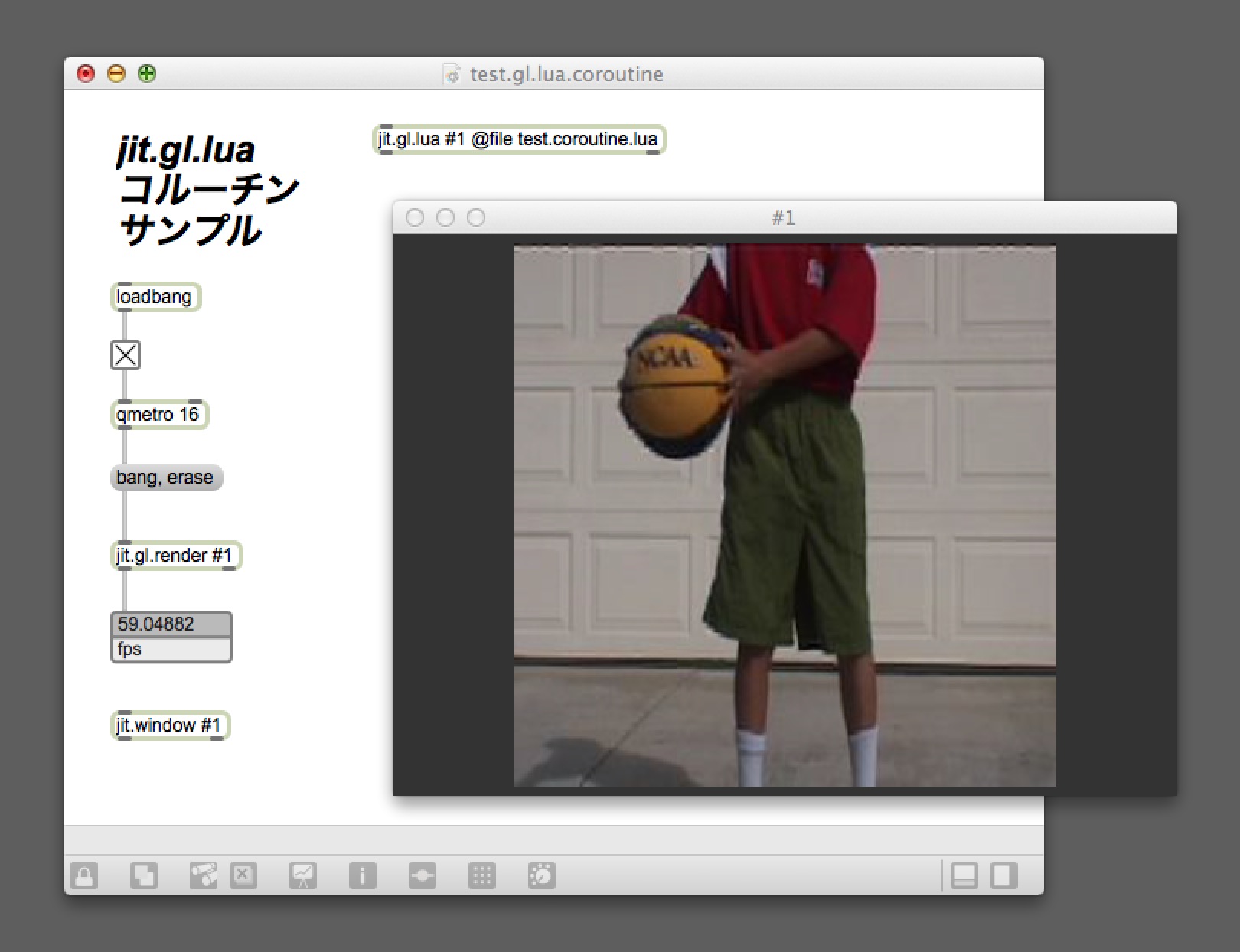
Luaのコルーチンを使ったサンプルです。コルーチンは、関数の途中で処理を中断して呼び出し側に処理を戻し、また再度同じ箇所から処理を行える機能との事です。
状態を変更しながらの制御、フレーム毎のアップデート処理が思い場合にフレーム分割して計算、ジェネレーターとして数値の取得、Tweenといった処理をスッキリ書けそうです。local 変数を関数の中に定義し、スコープを限定してstatic変数のように何度も使いまわせるのも良さそうです。
このサンプルではコルーチン部分で、動画のスピードを上げ下げしています。
[javascript]
autowatch = 1
gc = 1
local mov1 = jit.new("jit.qt.movie",this.drawto)
mov1.adapt = 1;
mov1.rate = 0.1;
mov1:read("bball.mov")
local frame = jit.matrix();
local plane = jit.new("jit.gl.videoplane",this.drawto);
plane.scale = 0.8
plane.automatic = 1;
–coroutine
local update_co = coroutine.create(
function()
— 動画再生スピードを上げる
while true do
if mov1.rate < 50. then
mov1.rate = mov1.rate + 0.1;
mov1:matrixcalc(frame.name,frame.name)
else
break;
end
coroutine.yield ()
end
— 動画再生スピードを下げる
while true do
if mov1.rate > 0 then
mov1.rate = mov1.rate – 0.1;
mov1:matrixcalc(frame.name,frame.name)
else
break;
end
coroutine.yield ()
end
return
end
)
function draw()
if( coroutine.status(update_co) ~= "dead") then
print(coroutine.resume(update_co))
print(coroutine.resume(update_co))
print(coroutine.resume(update_co))
else
print(coroutine.status(update_co));
end
plane:jit_matrix(frame.name)
end
[/javascript]
coroutine.wrap( function ) で既存の関数をコルーチンとして扱う事もできますが、coroutine.* 系の関数を使えなくなるようなので、基本的には coroutine.create を用いてつくるのが良さそうです。
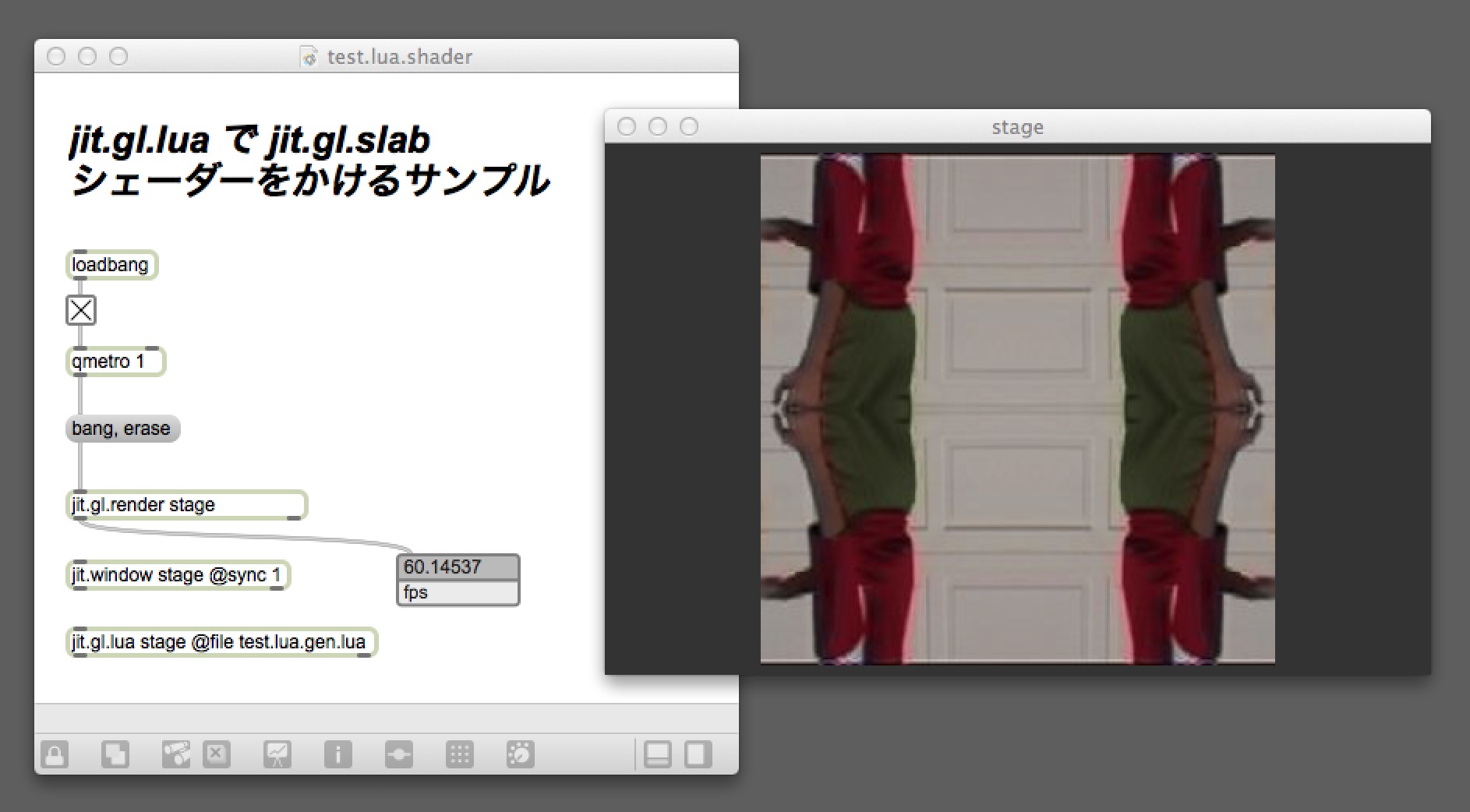
jit.gl.luaの内部で、シェーダーをかけるサンプルを書いてみました。
[javascript]
autowatch = 1
gc = 1
local mov = jit.new("jit.qt.movie",this.drawto)
mov.adapt = 1;
mov:read("bball.mov");
local frame = jit.matrix()
local plane = jit.new("jit.gl.videoplane",this.drawto);
plane.scale = 0.8
plane.automatic = 1;
local slab = jit.new("jit.gl.slab",this.drawto)
slab.file = "td.kaleido.jxs";
slab:param("div",4)
function draw()
mov:matrixcalc(frame.name,frame.name)
slab:jit_matrix({frame.name,frame.name})
slab:draw()
plane:jit_gl_texture(slab.out_name)
plane:draw();
end
[/javascript]
ちなみに初めは、jit.gl.pixを使おうと思ったのですが、.genjitを読みこませようとすると
jit_xml_document: error reading file at byte offset 0 / not well-formed (invalid token)
というエラーがでてしまい、上手く読み込ませる事ができなかったです。
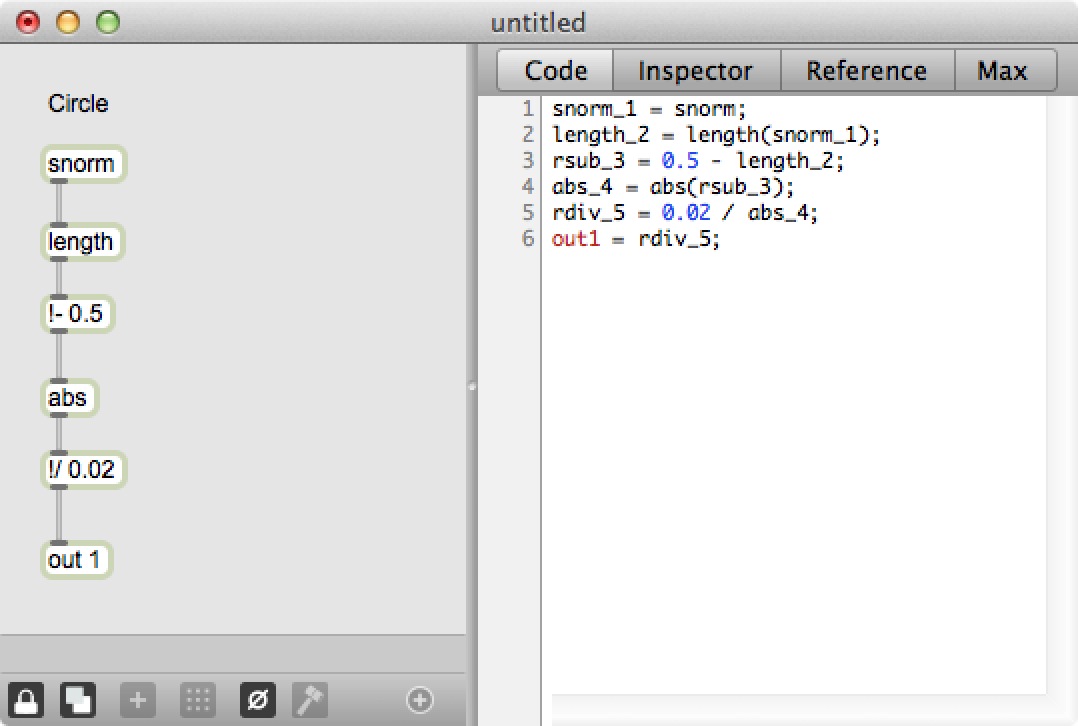
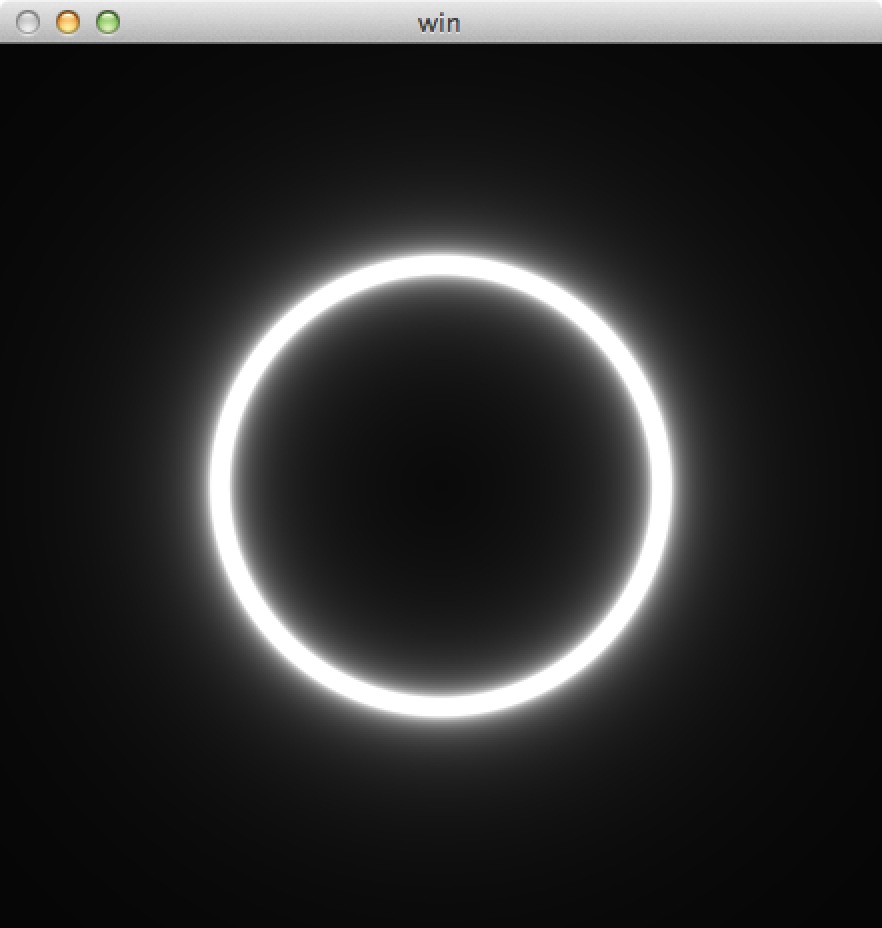 jit.gl.pix を使ったシェーダーによる画像描画や処理を少しづつ学んで行こうと思います。今回は以下の参考サイトにあったコードを参考に光る輪っかを描画してみました。
[javascript]
function jit_matrix(name)
plane:jit_matrix(name);
end
[/javascript]
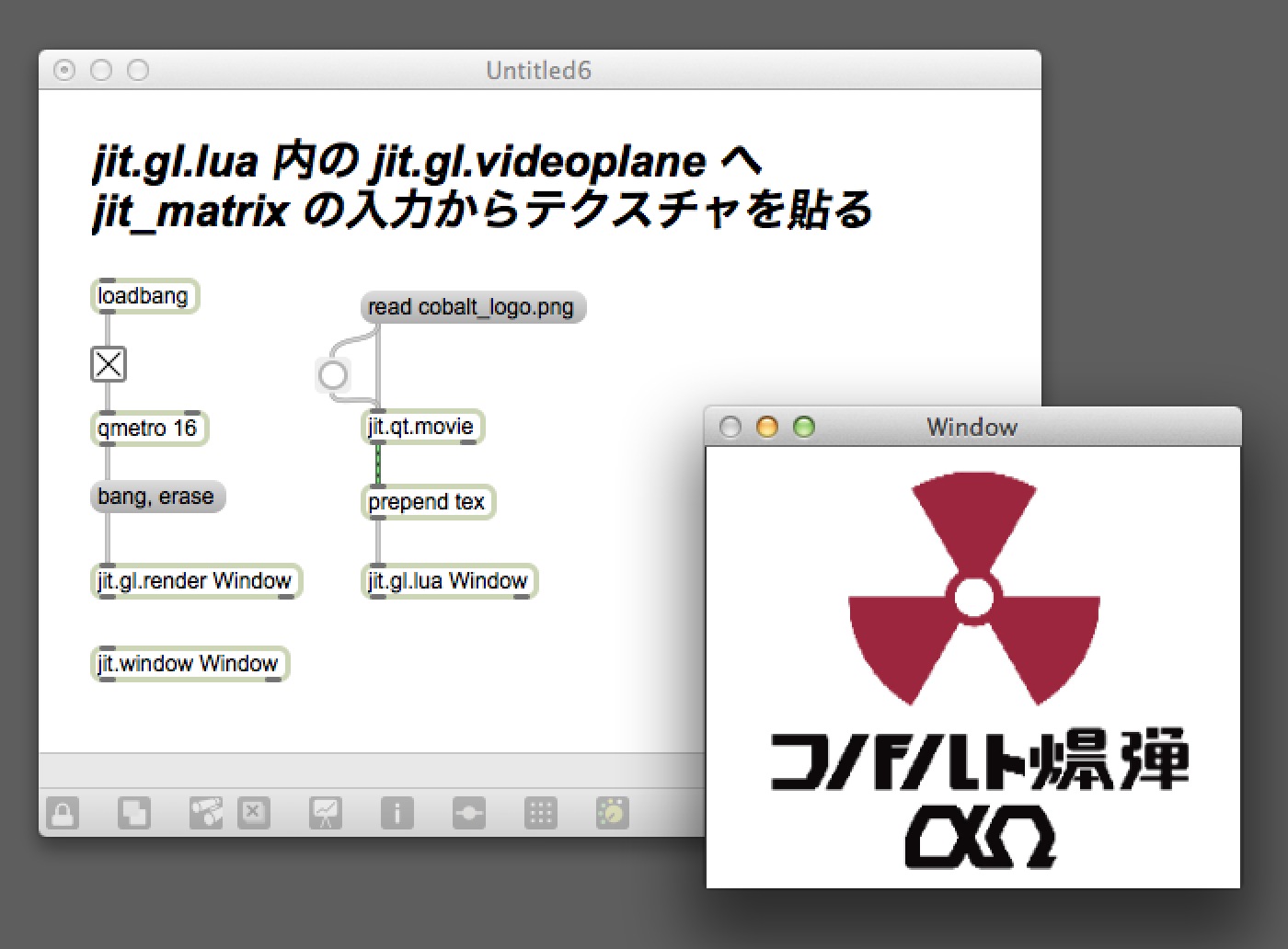
緑線(jit_matrix)をjit.gl.luaにそのまま繋げる場合のコード。
[javascript]
function tex(…)
local jit_matrix = {…}
plane:jit_matrix(jit_matrix[2])
end
[/javascript]
texをprependして,tex関数をコールした場合のコード。可変長配列で受け取ると2番めの要素にjit_matrixの名前が入っています。
緑線(jit_matrix)は、単に{ “jit_matrix” , jit_matrix の 名前 } のリストを送ってるだけなんですね。
[javascript]
autogarbage = 1
autowatch = 1
gc = 1
local plane = jit.new("jit.gl.videoplane",this.drawto);
plane.blend_enable = 1;
plane.blend = "alphablend";
–1
function jit_matrix(name)
plane:jit_matrix(name);
end
–2
function tex(…)
local jit_matrix = {…}
plane:jit_matrix(jit_matrix[2])
end
[/javascript]